Growatt Settings Explained
What do each of the growatt settings mean and how should you set up your system for off-grid or grid-support?
Intro
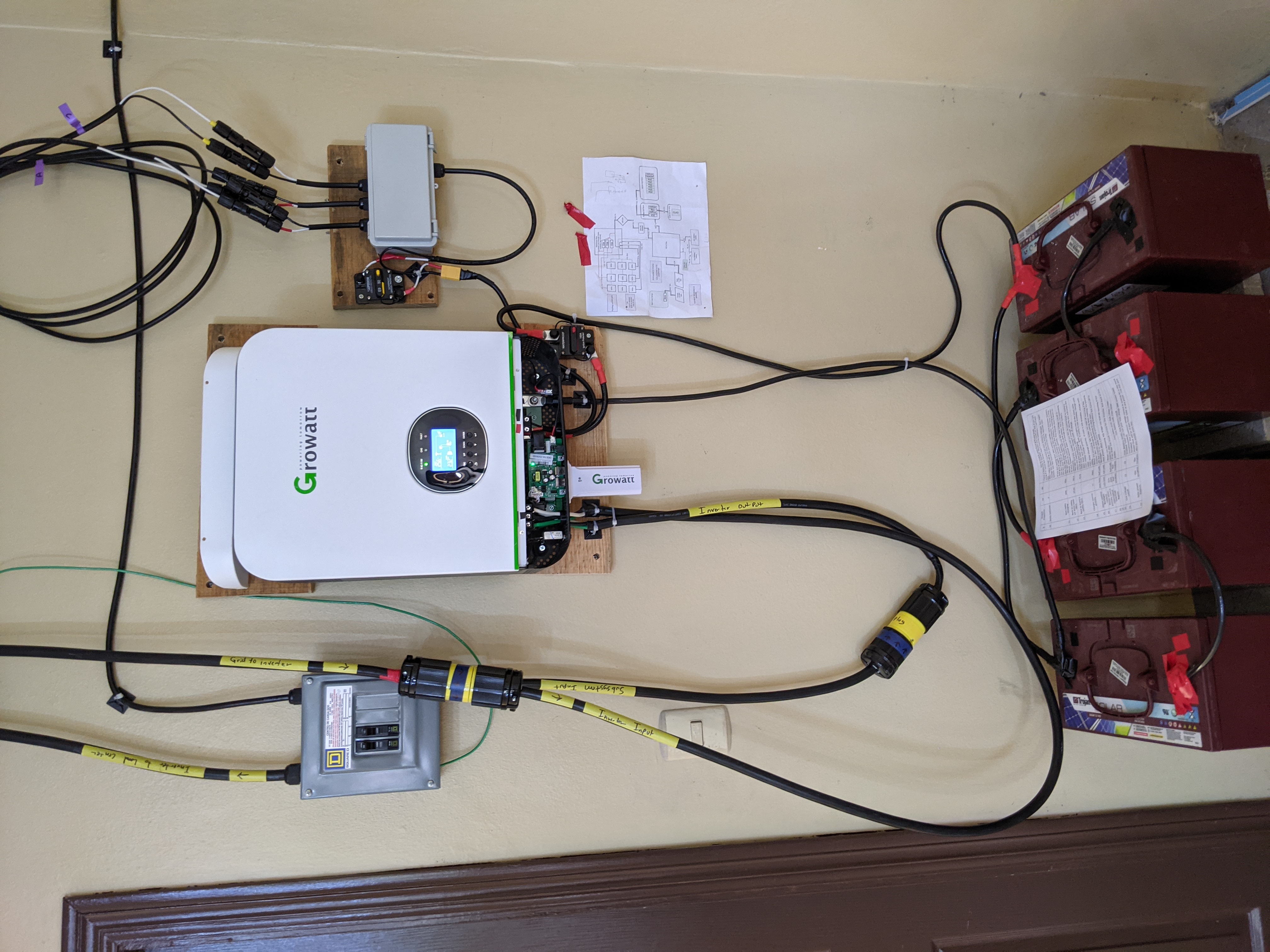
Here is a list of the settings for the Growatt SPF 3000TL LVM series All-In-One inverters. I have the 24V model but the settings are nearly identical for the 48V model. Below the full list of settings are some use-cases that can help you set up your own inverter.
💰Money Zone💰
Want to help pay for coffee, beer, or hosting?
 Buy Adam a coffee
The Settings
| Setting # | Setting | Options | What I use |
|---|---|---|---|
| 1 | Output Source Priority |
This sets which power sources will be used in which scenarios. Power sources include battery, grid (or generator), and solar.
|
SBU. I use my system as Grid-Support to save money and make it through short power outages. Explained below. |
| 2 | Total Max Charge Current |
Total charging current of utility+solar. Set this to the maximum charging rate of your batteries. My batteries reccomend 20% of C20 which means charge at 20% of the 20-hour capacity. The faster you charge a battery, the shorter its life span will be.
NOTE: The charging current is at the voltage of your batteries, so setting this to 42A for a 24V battery means charging at 1008 Watts. |
42A
My battery's C20 rating is 105Ah so the batteries should be charged at 20% * 105 = 21A. Because I have my batteries in parallel, I can double it to 42A. |
| 3 | AC Input |
This setting allows you to control the acceptable voltage that your inverter will pass through from the generator or grid.
|
APL
My grid is uaually on or off, rarely at some voltage outside of 110-120. I would consider switching to UPS, but it doesn't seem to matter much to me. |
| 4 | Power Saving Mode |
|
SdS
I always want my inverter ready to take over loads and I don't want my fridge to turn off |
| 5 | |||
| 2 |
NOTICE
NOTICE: Yum will not update these programs anymore (zlib,openssl,openssh). When a new version comes out, you will have to make your own install from a tarball again. Just follow the same directions.